Unisong
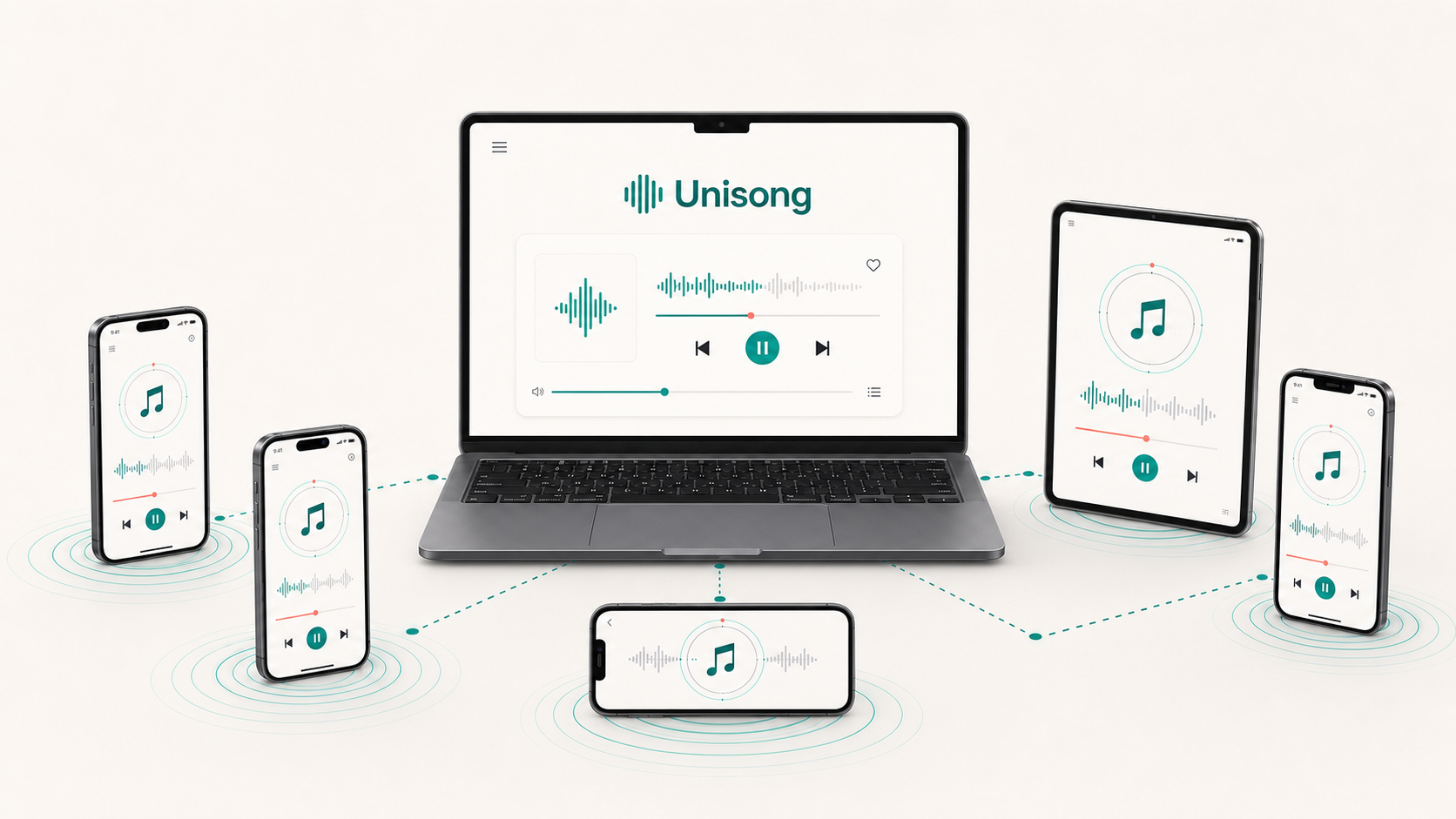
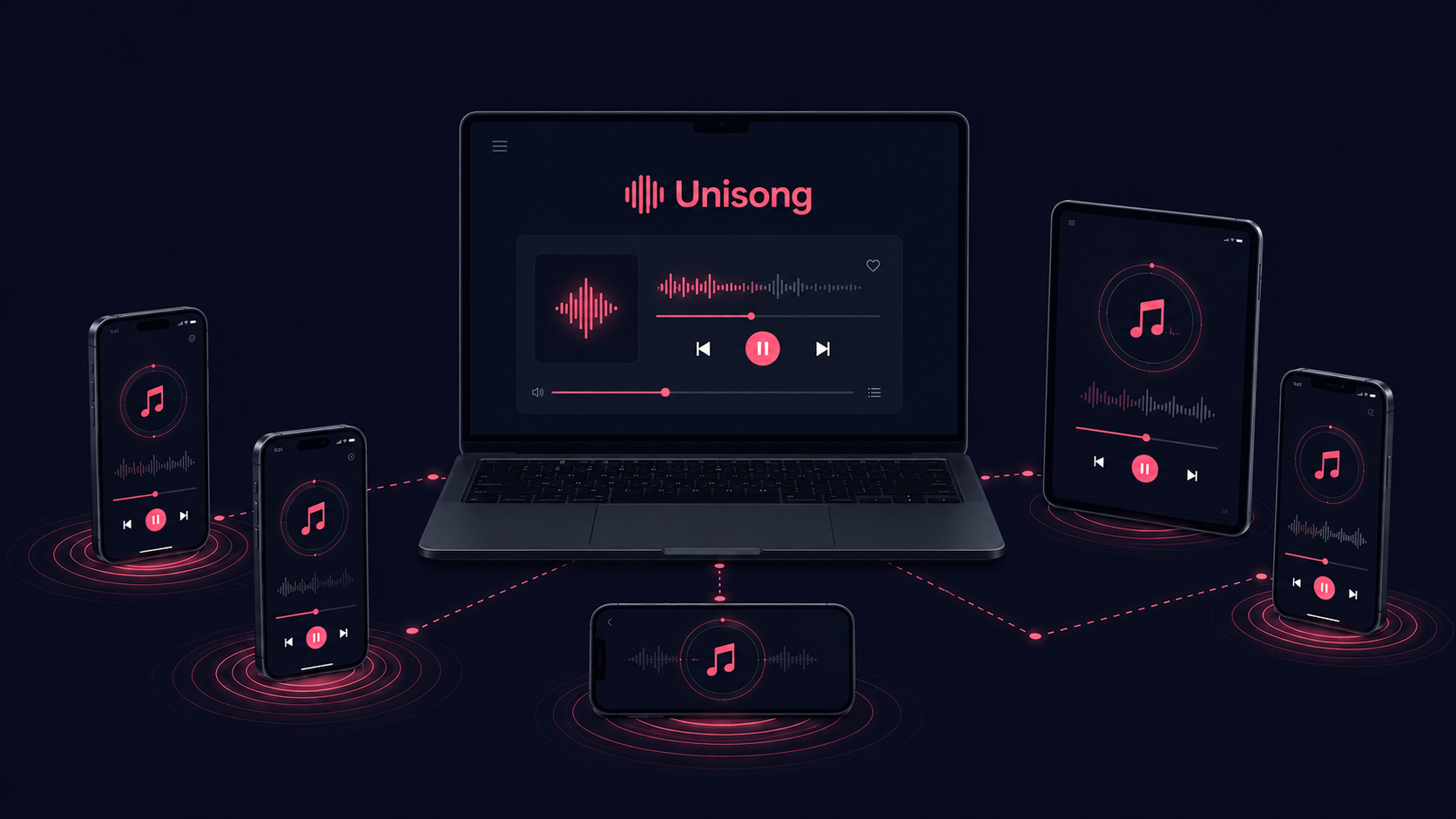
Turn your laptop, phones, and tablets into a synchronized multi-speaker audio system.
Check Apple menu > About This Mac > Chip or Processor.
iOS and Android apps are coming soon.
Immersive sound with the devices you already own
Turn phones, laptops, and tablets into a synchronized, room-filling audio system over Wi-Fi. No extra wiring or expensive multi-speaker hardware. Connect your devices, place them around the room, and press play.
Bring people together through music
Music is meant to be shared. From a few friends to a large crowd, Unisong brings everyone into one synchronized listening room for memorable gatherings, parties, and events.
Short visual setup
Connect your laptop, phones, and tablets to the same Wi-Fi network. Open Unisong on the laptop, then scan a QR code to bring each device into the room.
Connect your devices with QR codes
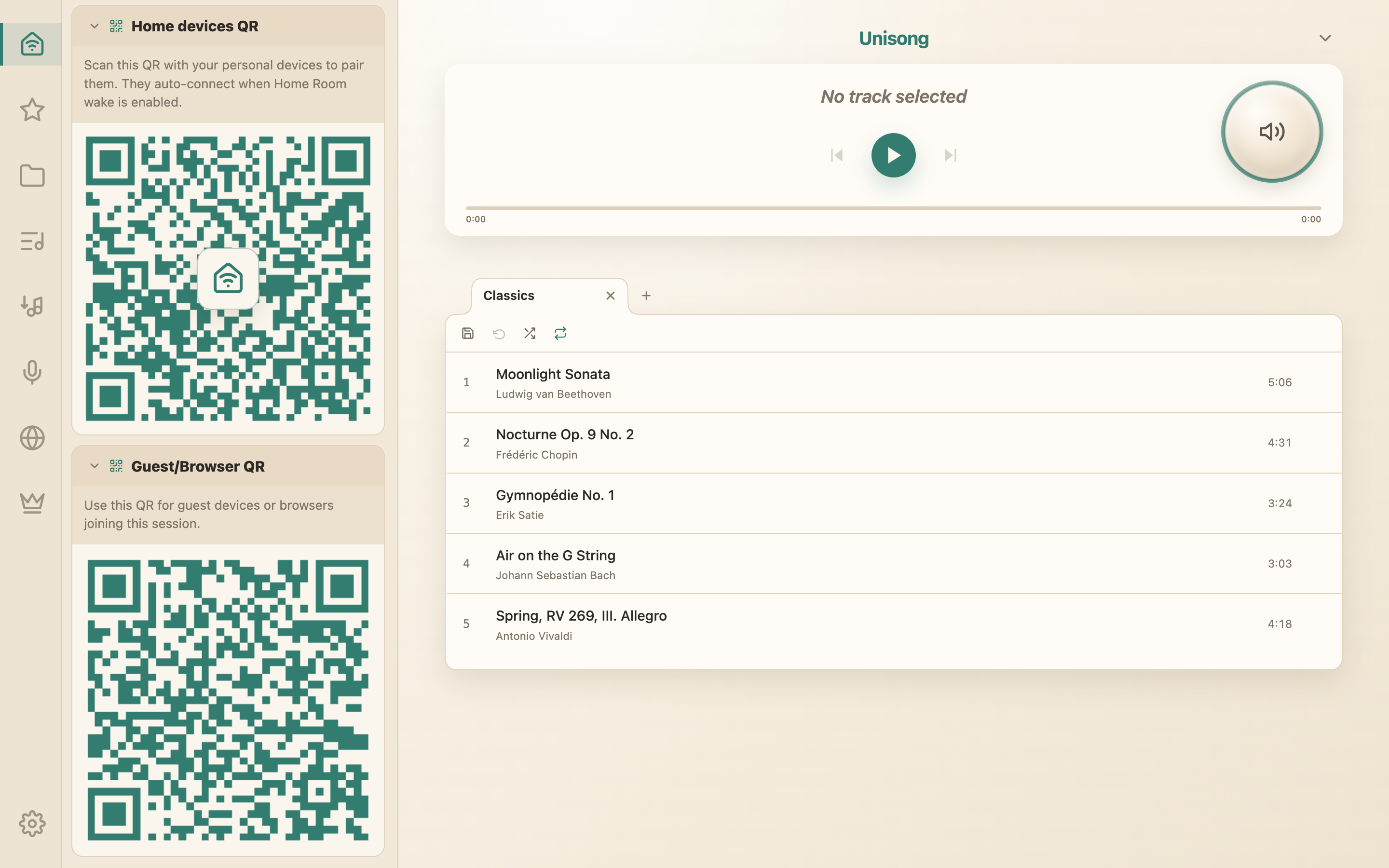
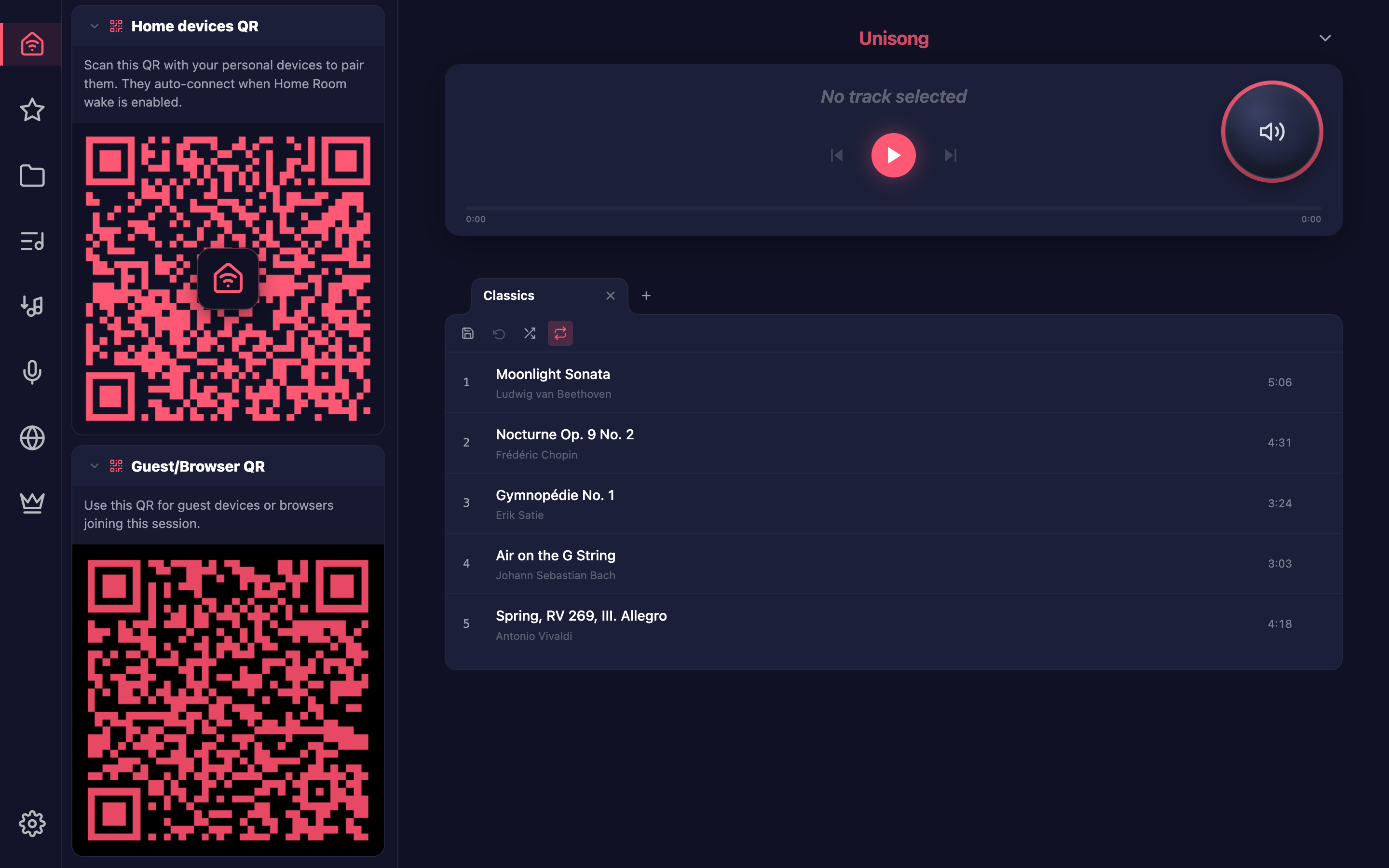
Start Unisong on the desktop and open the Home Room panel. Scan the same room QR with the Unisong app or a phone camera. The host can add connected app devices to Home Room for automatic reconnection.
Add music from your library
Import downloaded purchases and local files from the Music app through the iTunes Library tab, available on macOS only. On macOS or Windows, connect any Songs Folder and drag an album or folder into a playlist.


Build and save playlists
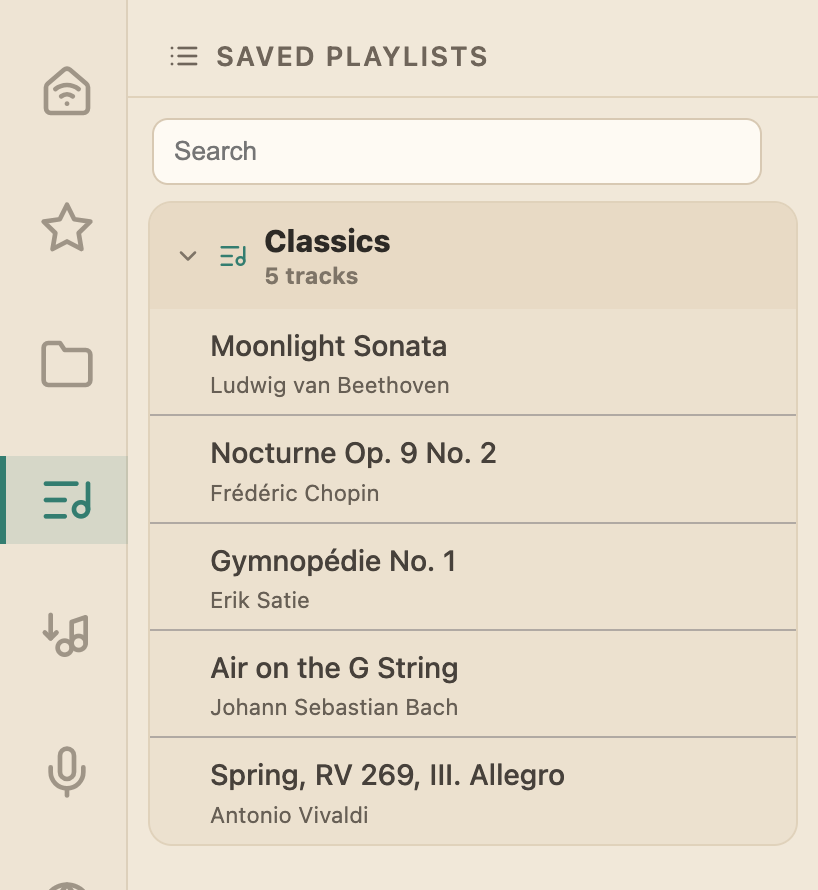
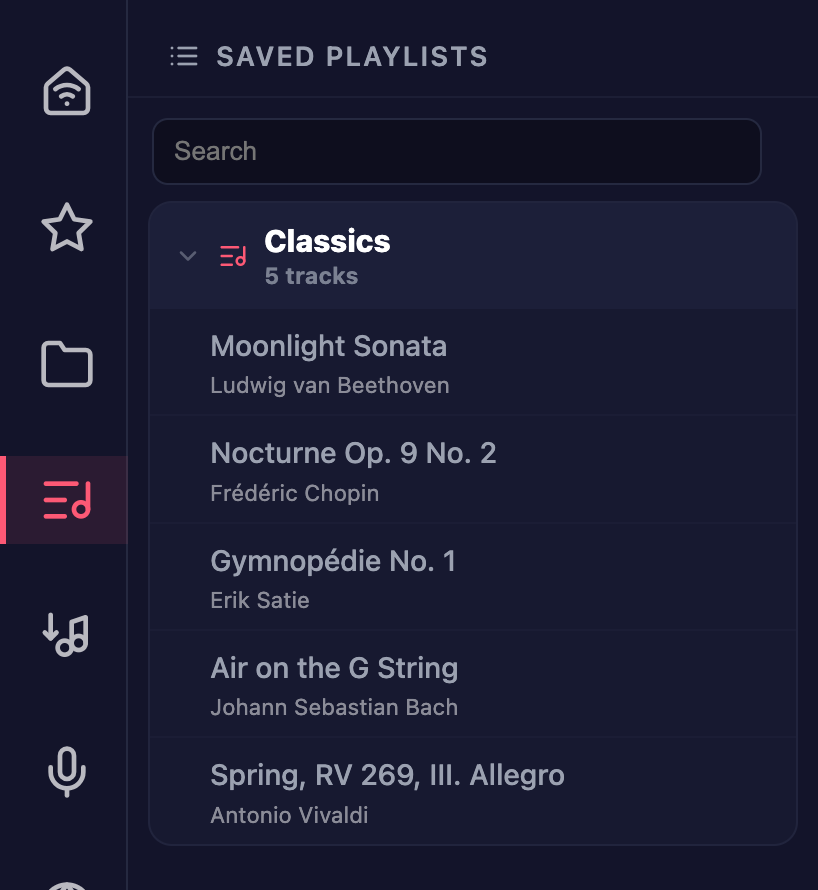
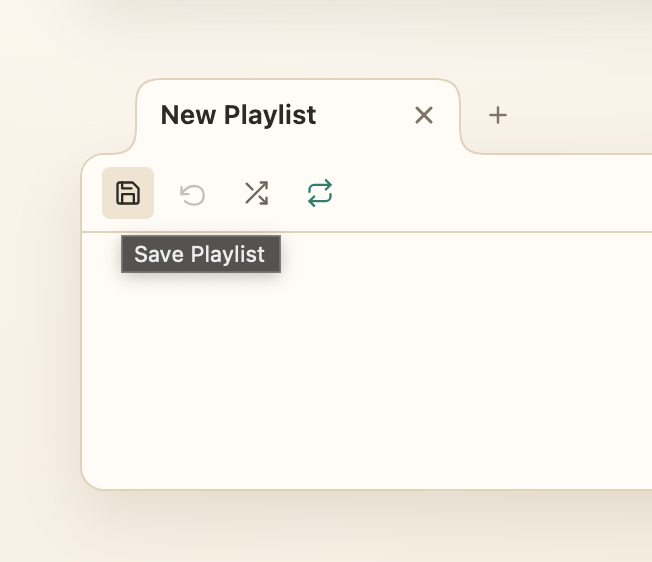
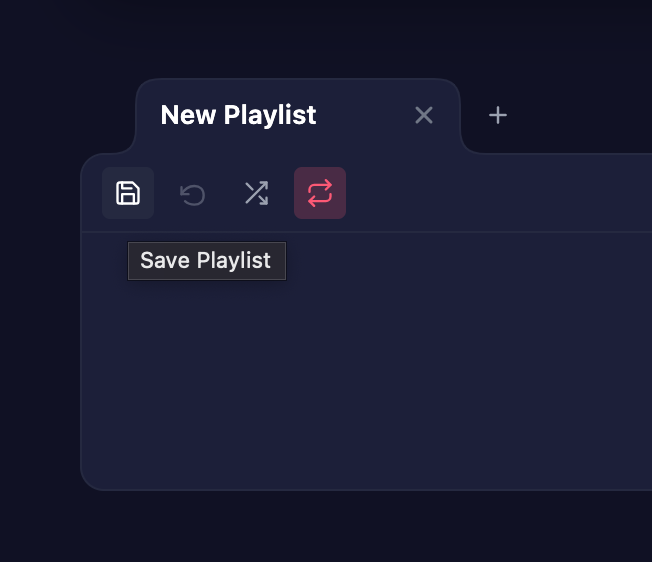
Drag albums, folders, or individual tracks into playlist tabs. Reorder tracks, rename tabs, save collections, and reopen them from Saved Playlists.
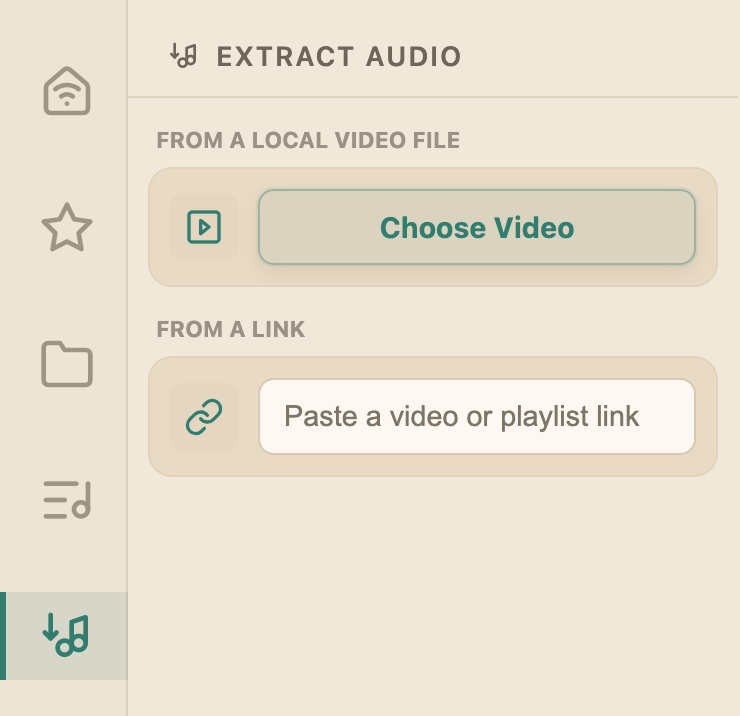
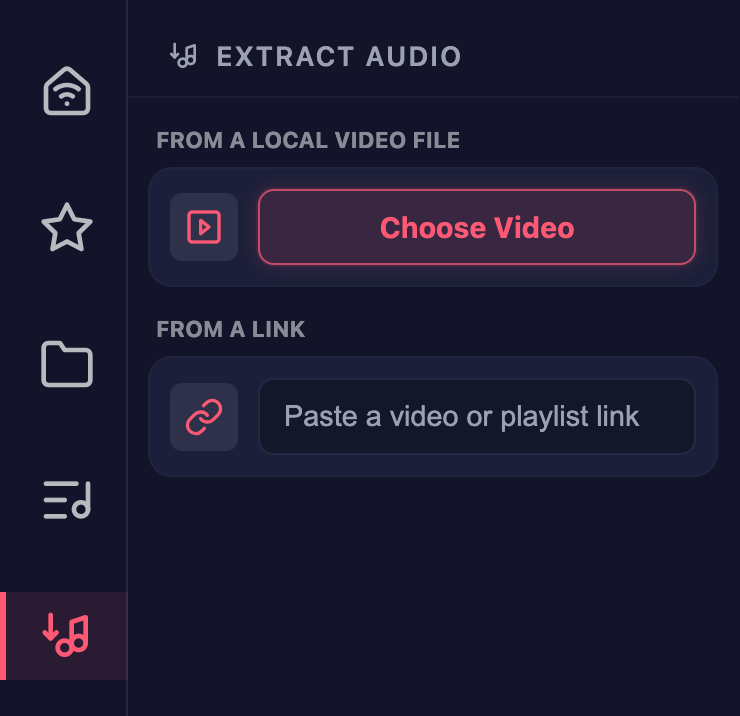
Extract audio from videos
Turn local video files or supported links into audio tracks, then add them to your playlists. Only extract media you have permission to use.
Buy once. Use for life.
One-time license. No subscription or recurring fees.